Departments
Departments are the parts of your organisation, such as Sales, Purchase, Accounts or Stores. Other modules use them, for example to group people and work.
Before you start
- Adding, editing and deleting departments needs the Administrator or Manager role. Everyone can see the list.
- Time needed: about a minute per department.
The department list
Open Administration → Organisation → Departments.
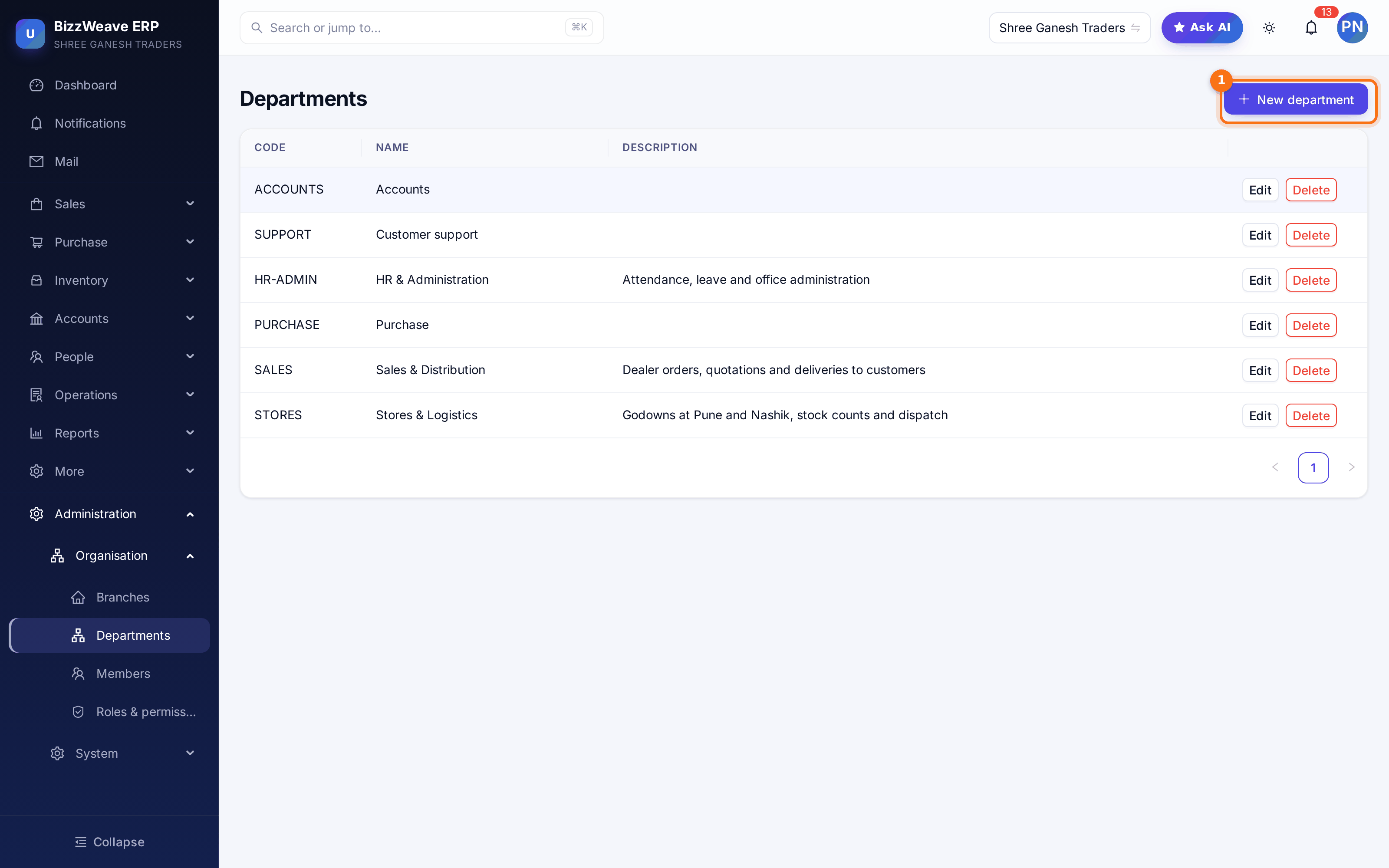
Add a department
- Click New department.
-
Fill in the form and click OK.

A new Quality Control department. Field What to enter Example Code (required) Up to 40 letters, digits, -and_.QC Name (required) The department's name. Quality Control Description What the department does. Checks incoming goods at the Nashik depot
Edit or delete a department
- Click Edit on the row, change the details and click OK.
- Click Delete and confirm Delete this department?.
Departments or branches?
A department is a function (who does what); a branch is a place (where). A Nashik depot can have people from Stores and Sales. See Branches.