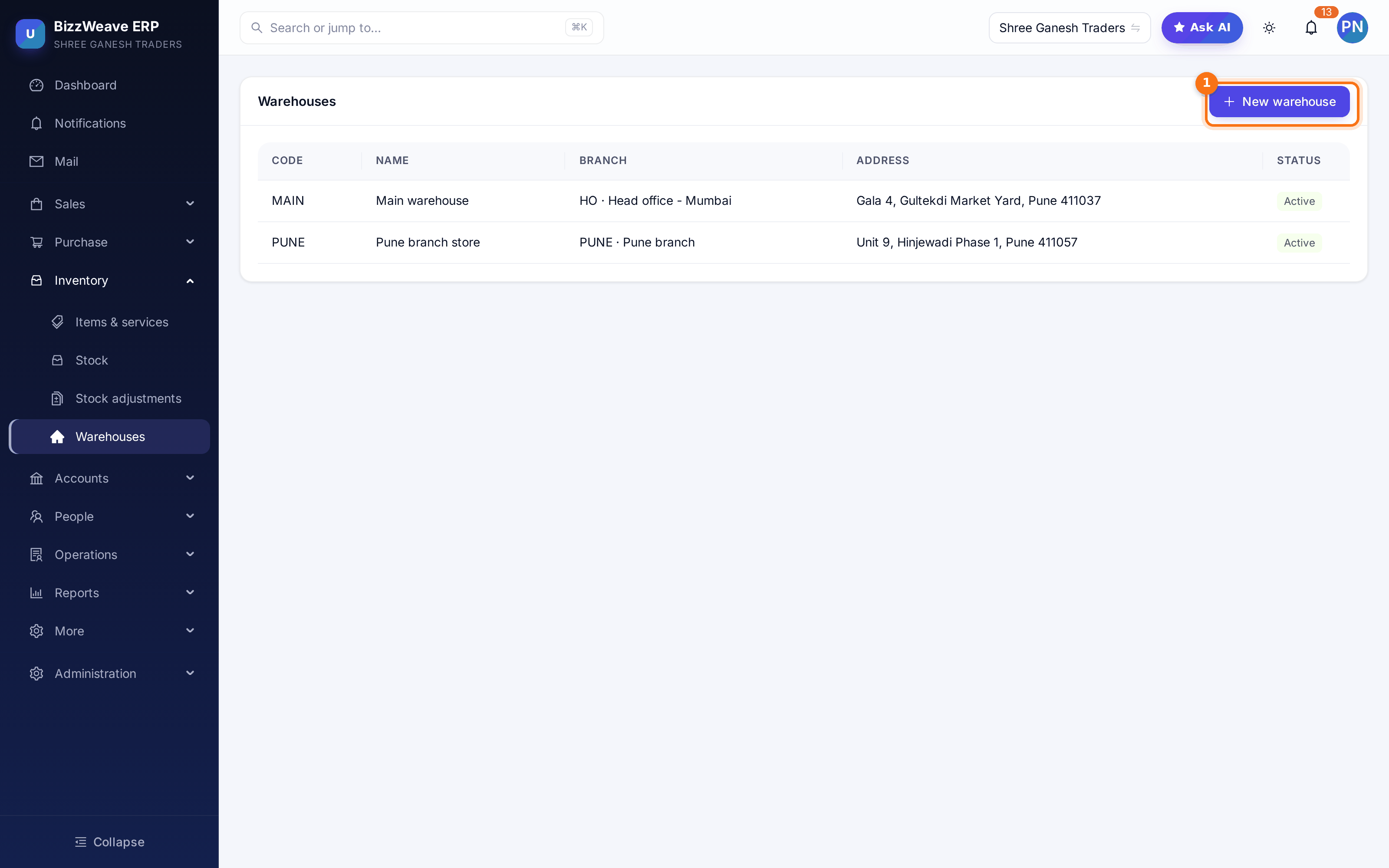
Warehouses
A warehouse is any place you keep stock: a godown, a shop, a branch store. Stock levels, deliveries and goods receipts are kept per warehouse.
Before you start
- Where: Inventory → Warehouses.
- Everyone can see the list. Only administrators can add or change warehouses.
- Every organisation starts with one warehouse, MAIN · Main warehouse.
The warehouse list
Add or change a warehouse
-
Click “New warehouse”, or click a warehouse to edit it.

The Pune branch store, linked to the Pune branch. -
Fill in the details.
Field What to enter Example Code Required. Letters, digits, _and-. It shows on orders and in stock lists.PUNE Name Required. Pune branch store Branch Only with branches. The branch this warehouse belongs to. Members limited to branches see only their branches' warehouses. Leave empty for head office stock. PUNE · Pune branch Address Where it is. Unit 9, Hinjewadi Phase 1, Pune 411057 Active Untick to stop using it. Ticked -
Click “OK”.
The branch decides the GSTIN on invoices
A sales order ships from a warehouse, and the invoice created from it is billed from that warehouse's branch: the branch's GSTIN and address print on the invoice. Make sure each warehouse is linked to the right branch. Branches are set up under Administration → Organisation → Branches.
Can I delete a warehouse?
No. Untick Active. Move its stock to another warehouse first with a transfer.