Exporting and printing
Download lists and reports as CSV (opens in Excel or Google Sheets), Excel or PDF, and print quotations, orders and invoices as PDF documents on your company's letterhead.
Before you start
- You can export only what your role can see.
- For printed documents to show your logo, GSTIN and bank details, an administrator fills in the business profile under Billing & GST.
Export a list or report
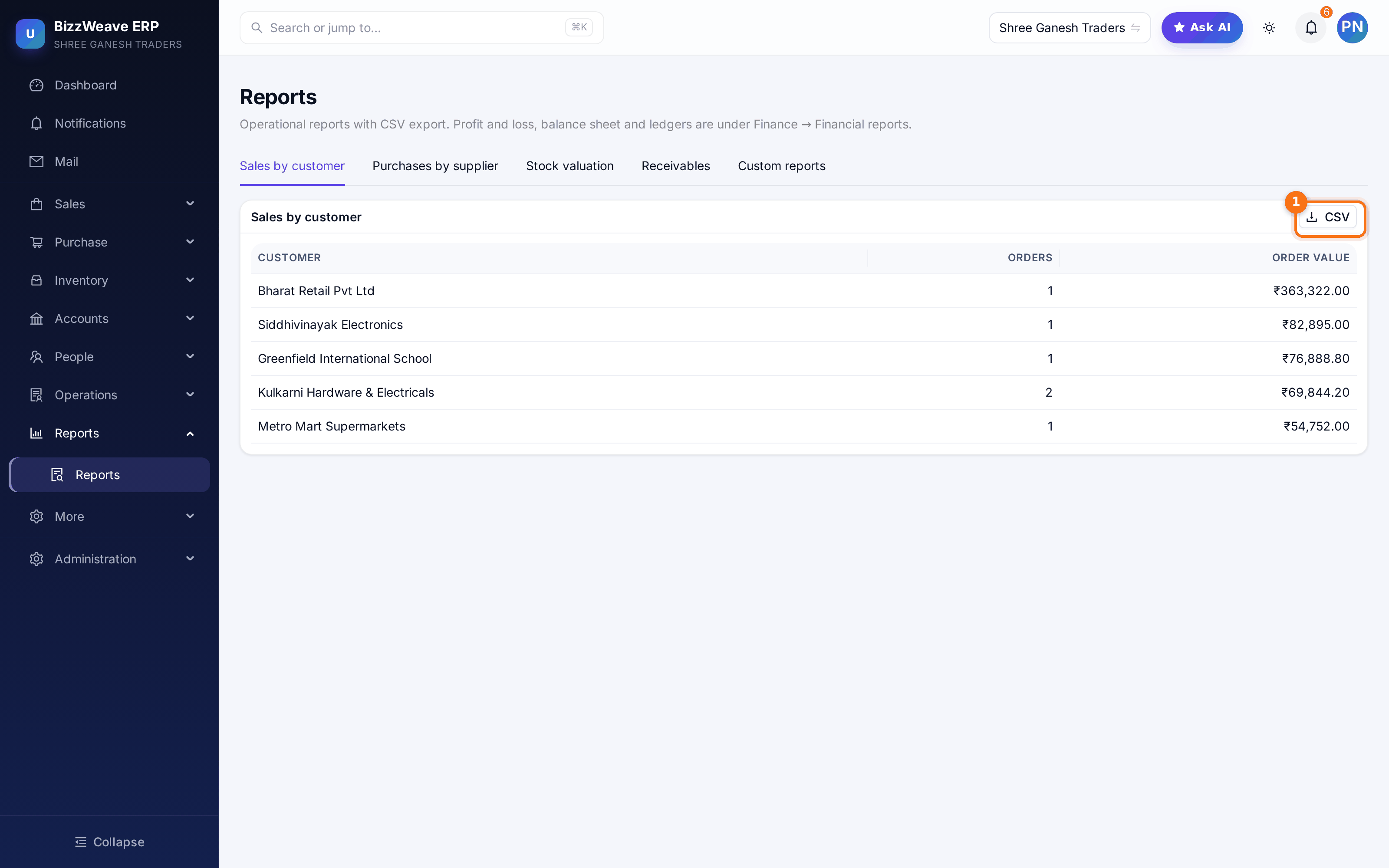
Look for a CSV, Export CSV or Export button at the top right of a report or list.
| Where | Button | Formats |
|---|---|---|
| Business ERP Reports (Sales by customer, Purchases by supplier, Stock valuation, Receivables) | CSV | CSV |
| Business ERP Custom reports you built or that were shared with your role | CSV, PDF | CSV, PDF |
| GST returns (GSTR-1) | CSV | CSV |
| CA ERP Compliance tasks list and Reports | Export CSV | CSV |
| Project Management Project reports | Export | CSV, Excel, PDF |
| Project Management Search results | CSV | CSV (needs the Export PMS reports permission: managers and administrators) |
| Project Management Sprints reports | Export CSV | CSV |
| Project Gantt | Export | as offered by the Gantt view |
Files usually carry the report's name; Business ERP reports add today's date, for example sales-by-customer-2026-11-24.csv. CSV files open directly in Excel or Google Sheets.
Print a quotation, order or invoice
Sales and purchase documents have a PDF button on their page:
- Quotations and Sales orders (Business ERP → Sales)
- Invoices (Accounts → Invoices, or Finance → Invoices)
- Purchase orders (Purchase)
- Open the document, for example an invoice.
- Click PDF. The PDF opens in a new browser tab. (If nothing opens, allow pop-ups for BizzWeave ERP.)
- Use the browser's Print or Download button in that tab to print it or save it.
What the PDF shows
Your legal name, address, GSTIN, PAN, phone, e-mail and website, your logo at the top left, your bank details for payment and your standard terms, in your accent colour. All of these come from Billing & GST. Until the profile is set up, documents print with the organisation name only.
Common questions
I click PDF and nothing happens.
Your browser blocked the new tab. Allow pop-ups for the BizzWeave ERP address and click PDF again.
“Exporting needs manager rights.”
Exporting Project Management search results needs the Export PMS reports permission. Ask your administrator.
Can I print any page?
You can use your browser's Print (Ctrl+P) on any page, but only the documents above are laid out for printing.