Fixed assets
Keep a register of the things the business owns and uses for years (computers, furniture, vehicles, machines), who has them, and what they are worth after depreciation. The ERP calculates depreciation every month and posts it to the accounts.
Before you start
- Where: Operations → Fixed assets.
- Everyone can see the register. Managers and administrators can register assets and assign them; running depreciation and disposing of assets need administrator rights.
- Keep the purchase date, cost and serial number at hand.
- Time needed: about 2 minutes per asset.
The asset register

Search by code, name or serial number, and switch between In use, Disposed and All. The Book value is the cost minus the depreciation so far.
Register an asset
-
Click “Register asset”.

Registering a label printer for the dispatch desk. -
Fill in the details.
Field What to enter Example Asset code Required. Your tag number. IT-PRN-02 Name Required. Label printer - dispatch Category, Serial no., Location To find it later. IT equipment · Main warehouse Assigned to The colleague who uses it. Arjun Mehta Acquired on Required. The purchase date (not in the future). 24 Nov 2026 Cost Required. What you paid. 18,500 Salvage value What it will be worth at the end. 1,000 Depreciation Straight line (the same amount every month over the Useful life (months)) or Written-down value (a Rate % per year on the remaining value). Straight line, 36 months Book the purchase as How the cost enters the accounts: Paid from bank, Owed to supplier, Opening balance (an asset you owned before using the ERP; then also enter the Depreciation to date) or Already booked. Paid from bank -
Click “OK”. The message Asset registered appears.
Asset details
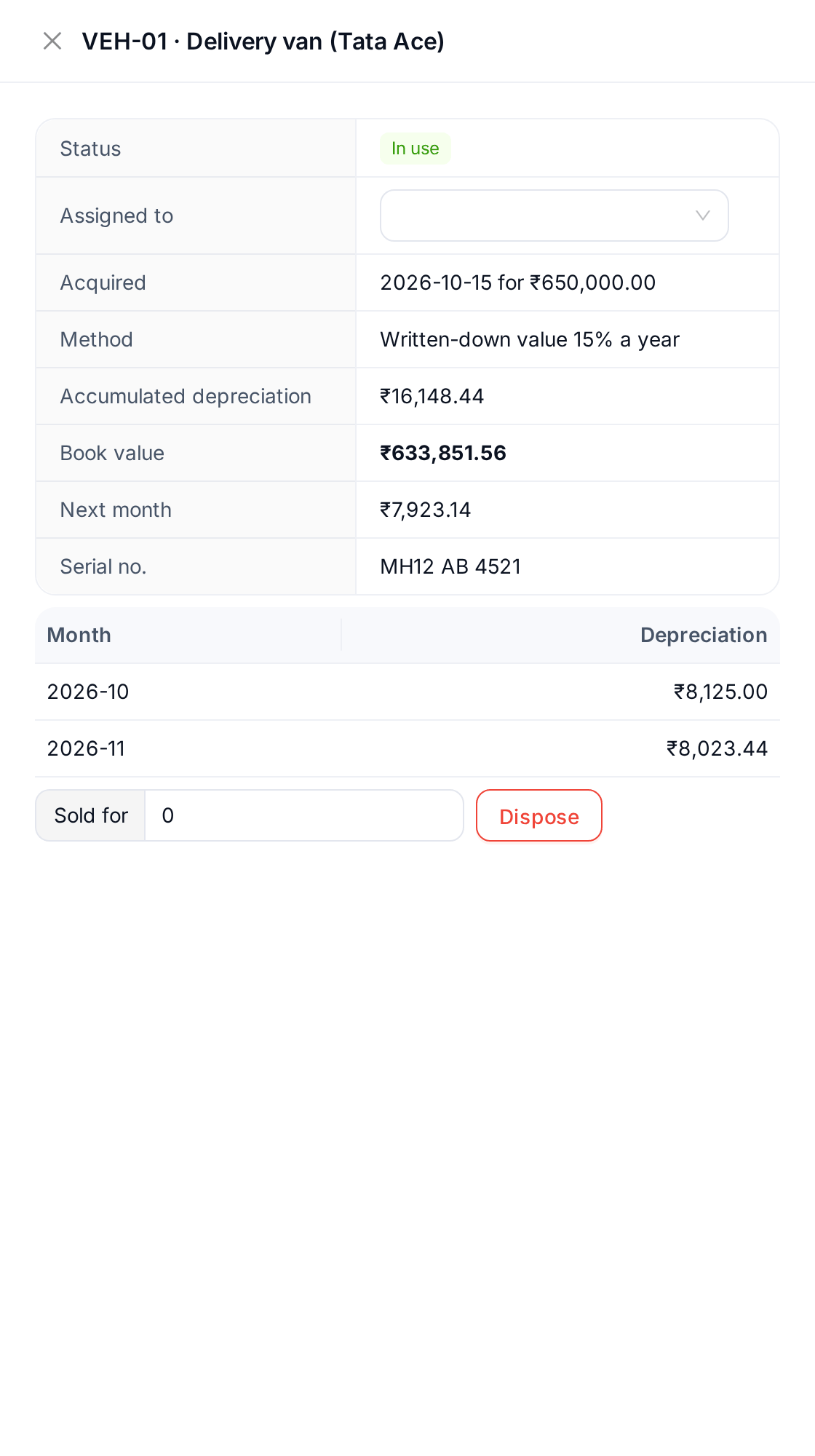
Click an asset to see its status, who has it, the purchase, the method, accumulated depreciation, book value, next month's depreciation and the month-by-month history. Change Assigned to here when it moves to someone else.
Run monthly depreciation
Do this once a month, usually at month end.
-
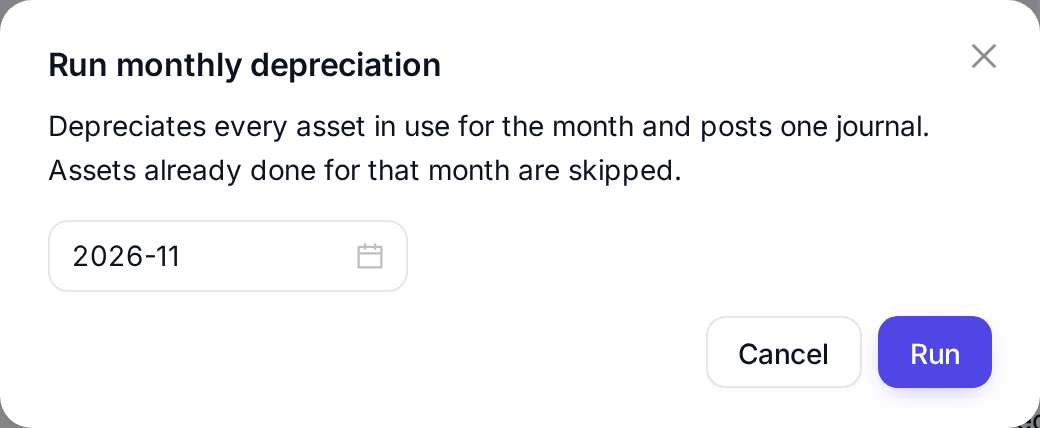
Click “Run depreciation”.
Choose the month and click Run. -
Choose the month and click “Run”. The ERP depreciates every asset in use and posts one journal. Assets already done for that month are skipped, so running it twice does no harm.
Dispose of an asset
When you sell or scrap an asset, an administrator opens it, enters the amount in Sold for (0 if scrapped) and clicks Dispose. Any gain or loss is posted to the accounts, and the asset moves to Disposed.
Which method should I choose?
Ask your accountant. Straight line is simple and common in company books; written-down value matches the Income Tax Act's rates for many asset classes.