Mail (shared mailboxes)
Mail lets your team read and answer the firm's own mailbox, such as [email protected], inside BizzWeave ERP. Conversations can be assigned to a person and marked done, so nothing is answered twice or forgotten.
Before you start
- An administrator must first connect the mailbox and share it with you. See Mailboxes.
- Each mailbox lists its people: some can read and send, others can only read.
- Time needed: a few minutes.
Open Mail
Click Mail at the top of the menu.
- If you have access to more than one mailbox, pick it from the list next to the Mail title. The red number shows unread messages.
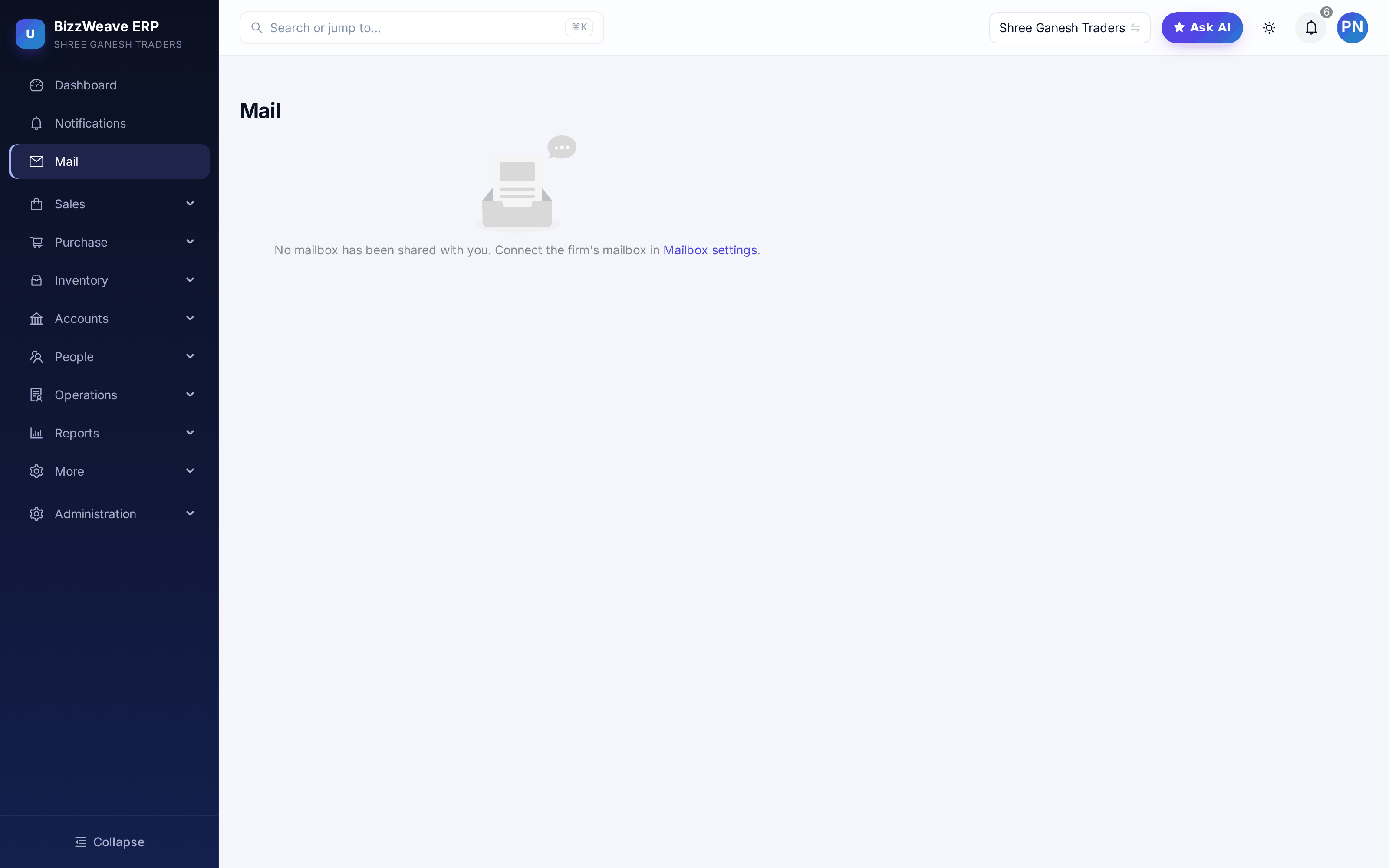
- If no mailbox has been shared with you, the page says No mailbox has been shared with you.
The conversation list
Mail is grouped into conversations: a message and all its replies.
| Control | What it does |
|---|---|
| Inbox / Sent | Switch between received and sent mail. |
| View list | All, Unread, Starred, Assigned to me, Open or Done. |
| Search mail | Find conversations by the words they contain. Press Enter to search. |
| Check for new mail (round arrow) | Fetches new mail now. Otherwise BizzWeave ERP checks regularly; Checked shows the time of the last check. |
| New e-mail | Write a new message from this mailbox. Shown only if you may send. |
Read and answer a conversation
- Click a conversation. It opens next to the list (on a phone, it fills the screen) and is marked read.
- Read the messages. Pictures from the internet are hidden to protect your privacy; click Show images if you trust the sender. Click an attachment to download it.
- To share the work, use Assign to and pick a colleague. They can filter on Assigned to me.
- Click Reply (or Reply all when there are several recipients). Write your answer; the message you answer is quoted below it. Click Attach to add files, then Send.
- When nothing more is needed, click Done. The conversation leaves the Open list. Reopen brings it back.
Other actions: the star marks important messages; Mark unread puts the conversation back to unread for later.
What happens when you send
The reply goes out through the firm's own mail server, from the mailbox address, and a copy is saved in the provider's Sent folder (when the provider has one). Your customers see it as a normal e-mail from the firm.
Common questions
“This mailbox needs reconnecting.”
The mailbox password was changed or has expired at the mail provider. Ask an administrator to enter the new password in Administration → System → Mailboxes.
I can read but not reply.
You were given read-only access to this mailbox. Ask an administrator to tick can send for you.
How far back does mail go?
As far as the mailbox setting Show mail from the last (days), 90 days by default. Older mail stays at your provider.